What Is Fanvue? How It Works, the App, AI and Fees (2026)

 Bruqi team
Fanvue is a subscription platform where creators earn from their fans through monthly subscriptions, tips, paid messages and content sales. It is open to real creators and to AI creators.
This guide covers what Fanvue is used for, how it works for creators, the app, what it costs, its AI rules and how to cancel or delete an account. Every fact comes from Fanvue’s own website, help center and terms, read on November 24, 2026.
Anything you sell on Fanvue can end up on other sites. Bruqi is one of the top leak removal services for online creators, with over 51 million leaks removed and a place in Google’s Trusted Copyright Removal Program. Its DMCA takedown service finds your leaks and gets them removed, from $29 a month.
What is Fanvue used for?
Creators use Fanvue to sell content and chat with their most loyal fans. Fanvue creators include influencers, fitness models, actors, sports people, musicians and AI creators.
Fanvue is not an adult-only platform. Its homepage calls it “the AI monetisation platform for creators.”
How does Fanvue work for creators?
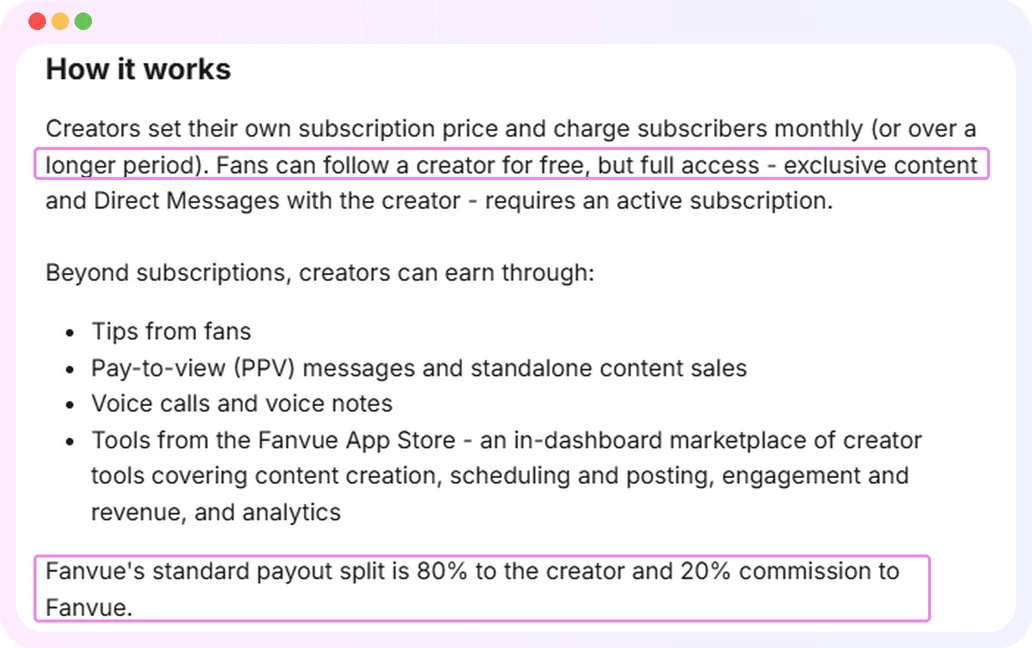
You sign up, pass an ID check, set a subscription price and post. Fans can follow you for free, but your exclusive posts and direct messages need a paid subscription.
Fanvue sign up and ID check
You create an account at fanvue.com, choose “Become a creator” and say what kind of content you will post. You must be at least 18, or older where local law sets a higher age.
Every creator account is verified. You upload a government ID and take a selfie with a liveness check, run for Fanvue by a provider called Ondato. Until you pass, your profile stays hidden and you cannot earn.
You can verify straight away or within 14 days. At this step you also declare whether you will post explicit content, and you may use a stage name. Anyone else who appears in your content has to be verified and give consent too.
Setting your price
A monthly subscription can cost from $3.99 to $100, and you change it under Settings, Creator Settings, Subscription. You can also offer free trials and bundles of 3, 6 or 12 months paid upfront at a discount. A single paid post costs from $3 to $500.
How to make money on Fanvue
Besides subscriptions, there are other ways to earn:
- Tips from fans.
- Pay-to-view messages and single content sales.
- Voice calls and voice notes.
- Tools from the Fanvue App Store, a marketplace of add-ons inside your dashboard.
Payments must stay on Fanvue. Its content rules also forbid meeting fans in person and selling escort services.
Fees and payouts
Fanvue keeps 20% of what fans pay as its platform fee, and you keep 80%. The 85% rate for creators who joined in 2022 has ended.
New earnings stay pending for 7 days, and up to 28 days in some cases, before you can withdraw them. You need at least $20 available, more in some regions, and at least 5 pieces of content on your profile.
You get paid by bank transfer, or by eWallet or crypto in some countries. PayPal is not offered. Money arrives 3 to 5 business days after you request it, depending on the method.
Is there a Fanvue app?
No. There is no Fanvue app download in the App Store or Google Play, because the stores’ terms do not allow it. Instead, you add Fanvue’s web app to your home screen.
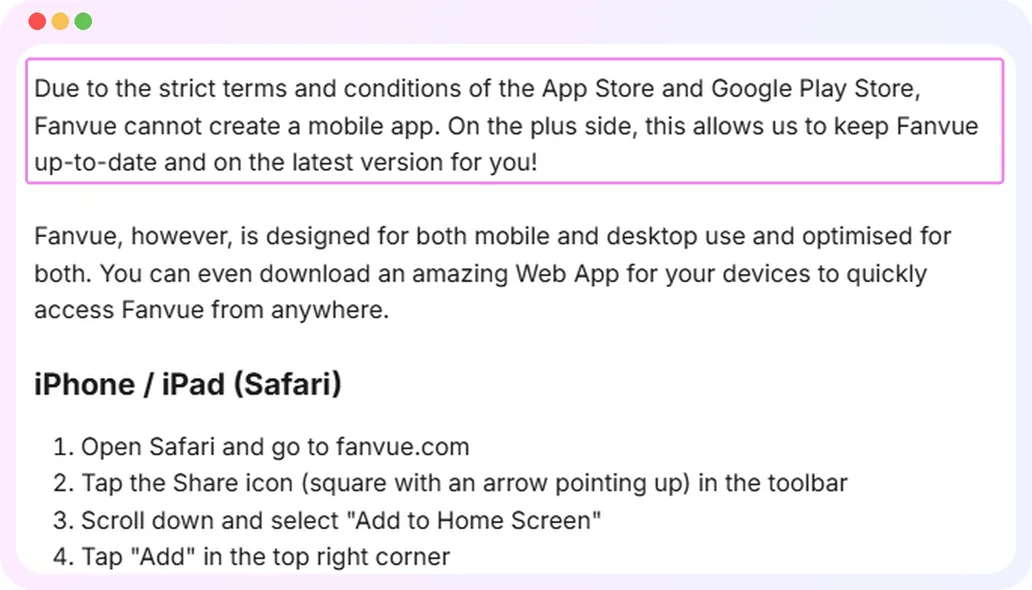
- iPhone and iPad: open fanvue.com in Safari, tap Share, then “Add to Home Screen”.
- Android: open fanvue.com in Chrome, tap the three-dot menu, then “Add to Home screen” or “Install app”.
- Computer: in Chrome or Edge, click the install icon in the address bar.
The web app always runs the latest version and can send notifications once your phone allows them.
Is Fanvue free?
Joining Fanvue is free for fans and for creators. Fans pay only for what they choose to buy, such as a subscription, a paid post, a message or a tip.
Creators pay nothing upfront. Fanvue earns its money from the share it keeps of their sales.
Fanvue AI creators and tools
AI on Fanvue means two things. Creators can run accounts with AI-made characters, and Fanvue builds AI tools for messages, voice notes and advice into the creator dashboard.
What Fanvue allows for AI content
Fanvue’s AI rules allow three kinds of account: a fully AI character, an AI persona of a real person who has verified and signed consent, and a real creator who uses AI for some posts.
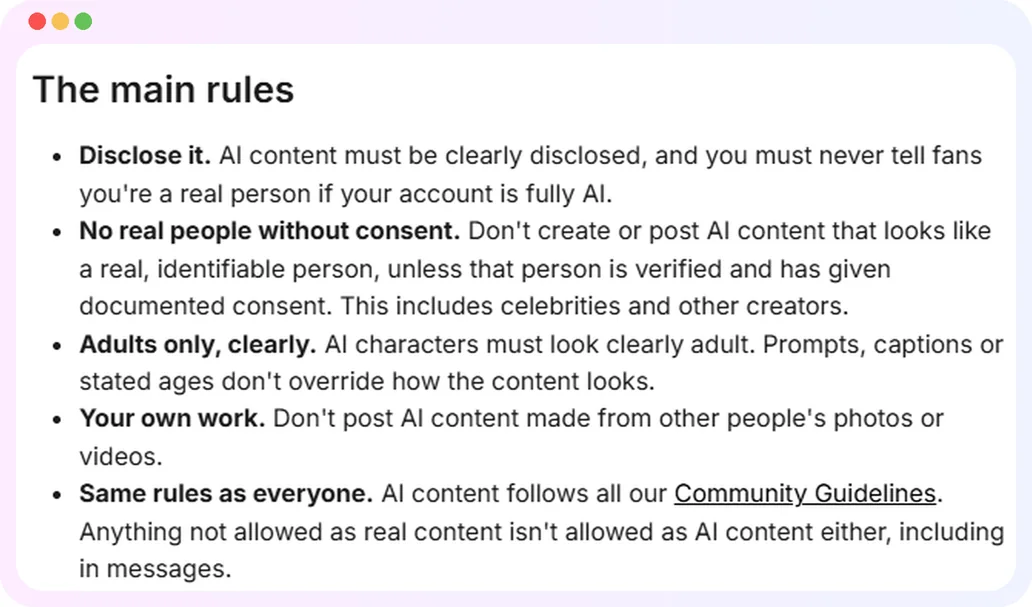
All three carry an AI label on the profile. The owner of an AI account still passes the ID check, even if they never appear in the content.
AI content may not show a real, identifiable person without that person’s verified consent, and AI characters must look clearly adult. If a fan asks whether you are AI, you must answer yes.
Is a Fanvue creator AI?
Fans can check the profile bio. Every AI creator shows an AI tag there, and in some countries an AI label also appears on the posts.
Fanvue’s AI tools
Fanvue’s AI tools are AI Messaging to draft replies, a Creator Agent that reviews your stats and gives advice, and AI voice notes made from text. An AI chatbot that talks to fans for you is in beta for selected creators.
AI Messaging is only for creators who chose NSFW content at sign-up.
Is Fanvue like OnlyFans?
Yes, in the basic idea: both are subscription platforms where fans pay creators directly. Four things set Fanvue apart.
- It welcomes AI creators, with labels and verification rules of its own.
- AI tools for messages, voice and coaching are built in.
- It is not adult-only, and new fan accounts see safe-for-work content by default.
- It runs as a web app, not a store app.
If you also sell on OnlyFans, our guide to removing leaked OnlyFans content covers the steps there.
Cancel or delete your Fanvue account
How to cancel a Fanvue subscription
Go to Settings, then Payments and Subscriptions, then Manage My Subscriptions, and choose Unsubscribe next to the creator. Do it at least a day before the renewal date, because a payment that is already processing still goes through.
You keep access until the paid period ends, and posts you bought stay in your collection. Cancelling a subscription does not delete your account.
How to delete a Fanvue account
Fans go to Settings, then Account, then “Delete my account”. Deletion is permanent, all subscriptions end at once, and you can ask for a copy of your data within 30 days.
Creators must first clear active subscribers. Fanvue suggests raising your price to the $100 maximum, turning off Discoverability and waiting for paid periods to run out.
Take out your balance first. It cannot be withdrawn after the account is deleted.
Fanvue keeps a creator’s ID details for 7 years after the account closes.
How well Fanvue protects your content
Fanvue protects content on its own site, but no subscription platform can stop a paying fan from recording a screen and sharing the copy somewhere else.
Fanvue uses watermarks, blocked right-click and screenshot detection on supported devices, and locks accounts that behave suspiciously. Its terms forbid fans from downloading or sharing your content.
When your work is copied onto Fanvue itself, you report it with the Copyright option of Fanvue’s complaints form, as its DMCA policy describes. The same form has a category for intimate image abuse.
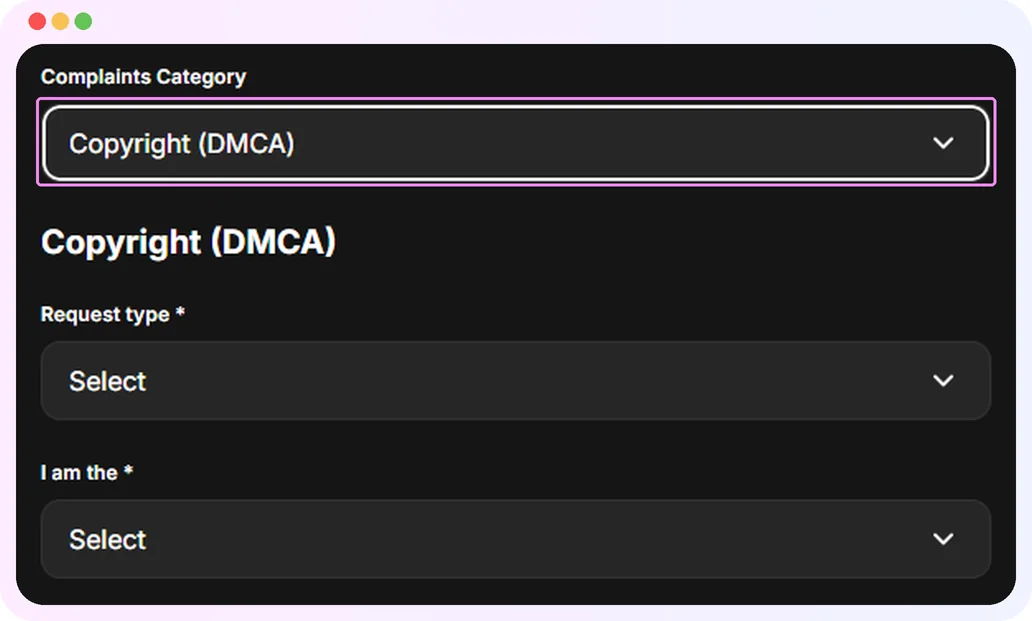
Copies on other sites and in Google search are outside Fanvue’s reach. For pages outside fanvue.com, Fanvue sends you to the site’s own host. Those copies need a takedown notice to each site and a removal request to Google, as how a DMCA takedown works explains.
This is the part Bruqi does. Bruqi finds copies of your content on other sites and in Google and gets them removed. Its notices carry Bruqi’s company details, so your name stays off them. Plans start at $29 a month.
How Bruqi helps Fanvue creators
Bruqi works on the copies outside Fanvue, on the sites and in the search results where leaked content ends up.
Option A: do it yourself. Bruqi’s DIY plan is free. Our guides walk you through Reddit, X and other sites. If the site is not there, the hosting checker shows who hosts it.
Option B: let Bruqi handle it. Bruqi finds your leaks, delists them from Google and contacts the sites to get them removed. Delisting and removing at the source explains why both matter.
Paid plans start at $29 a month. Creator Pro at $99 adds daily removals and impersonator takedowns, and Top 1% removes hourly. Compare them on the pricing page.
Fanvue FAQ
Do you pay for Fanvue?
Fans pay for the subscriptions and extras they choose, at prices each creator sets. The payment screen shows the full price with taxes before you confirm, and purchases are final under Fanvue’s terms, with refunds only at its discretion.
Does Fanvue allow explicit content?
Yes, from verified adult creators who declare it at their ID check. Fans must be 18 or over and switch on the NSFW setting to see it, and profile pictures, banners and intro videos must stay safe for work.
How do I stop paying on Fanvue?
Unsubscribe from each creator before the renewal date, as described above. Free trials turn into paid subscriptions unless you cancel, and Fanvue emails a reminder 24 hours before.
What do people do on Fanvue?
Fans follow creators, subscribe for exclusive posts, send messages, buy content, send tips and pay for voice calls. Creators post, chat and earn from all of it.
Who owns Fanvue?
Fanvue is owned by Shift Holdings Ltd, a company registered in England and Wales and based in London. It was founded in 2020, and its site also lists Fanvue LLC in Delaware.
How do I contact Fanvue support?
Use the live chat in the Fanvue Help Centre or email support@fanvue.com. For a fake account using your name, Fanvue asks you to message its support chat.