How to Delete Your OnlyFans Account Permanently (2026)

 Bruqi team
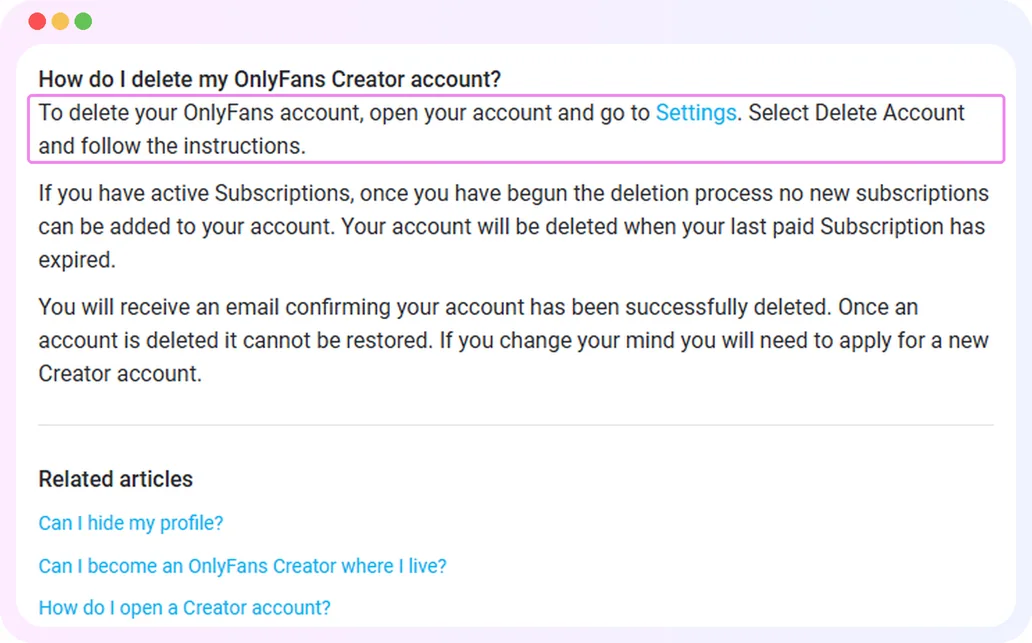
To delete your OnlyFans account, log in on onlyfans.com, go to Settings, select Delete Account and follow the instructions. OnlyFans emails you when the account is gone, and a deleted account cannot be restored.
How long it takes depends on the account. OnlyFans’ Terms of Service say a fan account is deleted “within a reasonable time”, and a creator account stays open until all active fan subscriptions expire.
This guide covers the steps on any device and what happens to your earnings, posts and data. It also covers what deleting does not remove: leaked copies of your content on other sites stay up after the account is gone.
Bruqi finds those copies and gets them removed, from $29 a month. It is one of the top leak removal services for online creators, with over 51 million leaks removed and a place in Google’s Trusted Copyright Removal Program.
Delete your OnlyFans account in three steps
These steps come from OnlyFans’ own help page and its Terms of Service. The same steps close your OnlyFans account whether you are a fan or a creator. Only what happens afterward differs.
Step 1. Log in on onlyfans.com
Open onlyfans.com in your browser and log in to the account you want to delete. If you cannot get in, see what to do when you are locked out further down.
Step 2. Open Settings and select Delete Account
Go to Settings in your account, select Delete Account and follow the instructions on the screen.
Step 3. Wait for the confirmation email
OnlyFans sends an email confirming that your account has been successfully deleted.
Delete OnlyFans on iPhone or Android
The steps are the same on a phone and a computer. OnlyFans does not have an app, so on an iPhone or an Android phone you open onlyfans.com in Safari, Chrome or any other browser and follow the three steps above.
If you added OnlyFans to your home screen, that tile opens the same website. Removing the tile from your phone does not delete the account.
Deleting an OnlyFans creator account
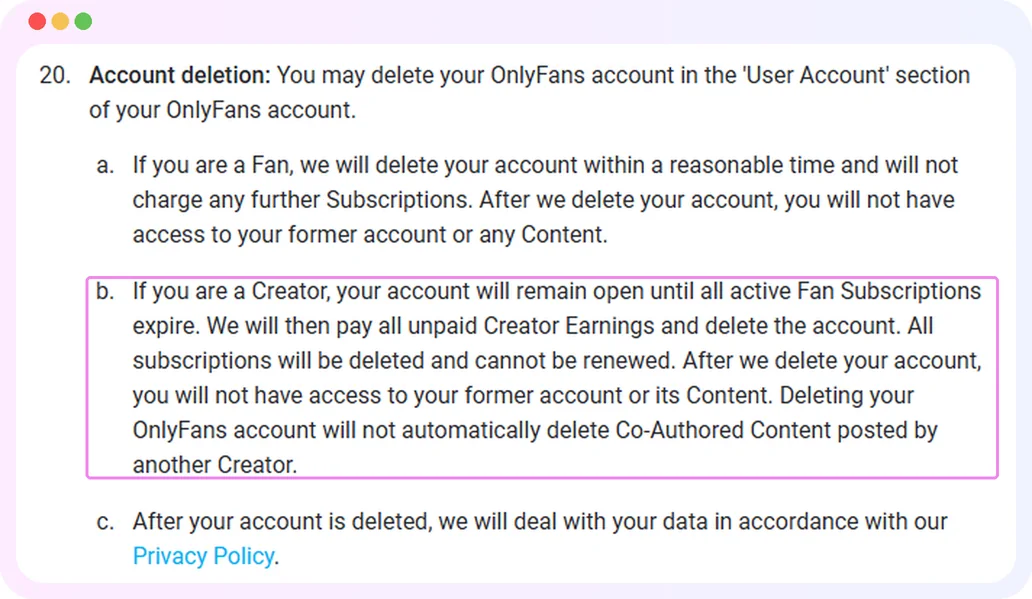
A creator account closes in stages. Once you begin the deletion, no new subscriptions can be added to your account. The account is deleted when your last paid subscription has expired.
OnlyFans then pays all unpaid creator earnings and deletes the account. All subscriptions are deleted and cannot be renewed.
Your pending balance is what you earned in the last 7 days. For most creators it moves to the current balance after 7 days, and after 21 days in a small number of countries.
Content you made with another creator and that they posted on their own account is not deleted automatically with yours.
What happens when you delete your OnlyFans account
After deletion you have no access to your former account or its content. For a fan, OnlyFans stops charging for subscriptions, and any active subscriptions can no longer be opened.
Want some posts gone before the account closes? OnlyFans lets you delete a post at any time with the three-dot button at its top right.
Save any files you want to keep first, because the account and its content cannot be restored.
Leaked copies are not deleted with your account. Posts that were copied to other sites stay there until they are taken down. Bruqi removes them for you, with your account open or closed.
What data OnlyFans keeps after deletion
After deletion, OnlyFans handles your data under its Privacy Policy. It keeps personal data only as long as reasonably necessary, decided case by case.
Some data is kept longer: identity and tax records, which some laws require for up to 7 years, and data needed for safety investigations, legal requests and legal claims.
You can ask OnlyFans to delete personal data at privacy@onlyfans.com. It can refuse, for example when an account was deactivated for breaking its terms.
If you verified your age through OnlyFans’ outside provider, that provider may keep face data for later checks. You can withdraw consent to that at the same email address.
Can you deactivate OnlyFans instead of deleting it?
No. OnlyFans has no way to deactivate or pause an account. Delete Account is the only option, and it is permanent.
A creator who wants to be less visible can hide the profile from certain IP addresses, countries, or states and provinces in the US, Australia and Canada. The option is in Settings, under “Privacy and safety”, then “Safety”.
Can you recover a deleted OnlyFans account?
No. Once an account is deleted, it cannot be restored. A creator who wants to come back applies for a new creator account, and a fan creates a new account.
Locked out rather than deleted? Use the Forgot Password form on onlyfans.com. If someone else changed your password, email or account details, OnlyFans asks you to email support@onlyfans.com so it can verify that the account is yours.
Cancel an OnlyFans subscription instead
Cancelling a subscription stops it from renewing and leaves your account open. To unsubscribe on OnlyFans, open your “Following” page, which lists your active and inactive subscriptions, and click to unsubscribe.
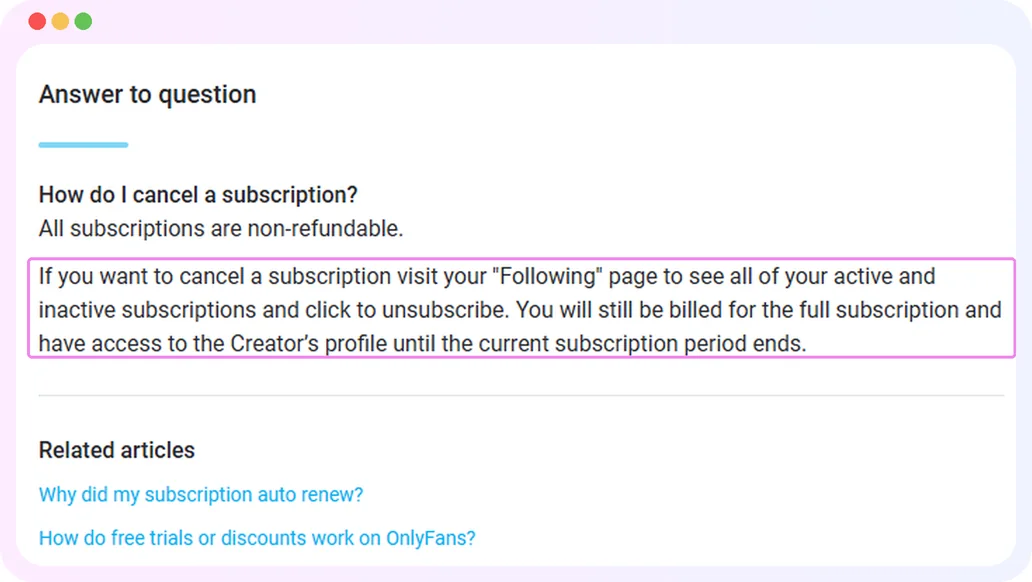
You are still billed for the full period and keep access to the creator’s profile until it ends. Subscriptions are non-refundable, and they renew automatically unless you switch off Auto Renewal on that creator’s account.
Leaked copies stay up after you delete
Deleting your account removes your profile from OnlyFans, but not the copies that leakers saved and posted on other sites. Those stay online, and in search results, until someone gets them taken down.
You do not need an open account to remove leaks. Bruqi finds the copies on other sites and in Google and gets them removed after you delete. It does not need your original files, and its notices carry Bruqi’s company details, not yours.
You still own your work after you delete. You hold the copyright, which in the U.S. lasts for your lifetime plus 70 years, as the U.S. Copyright Office explains.
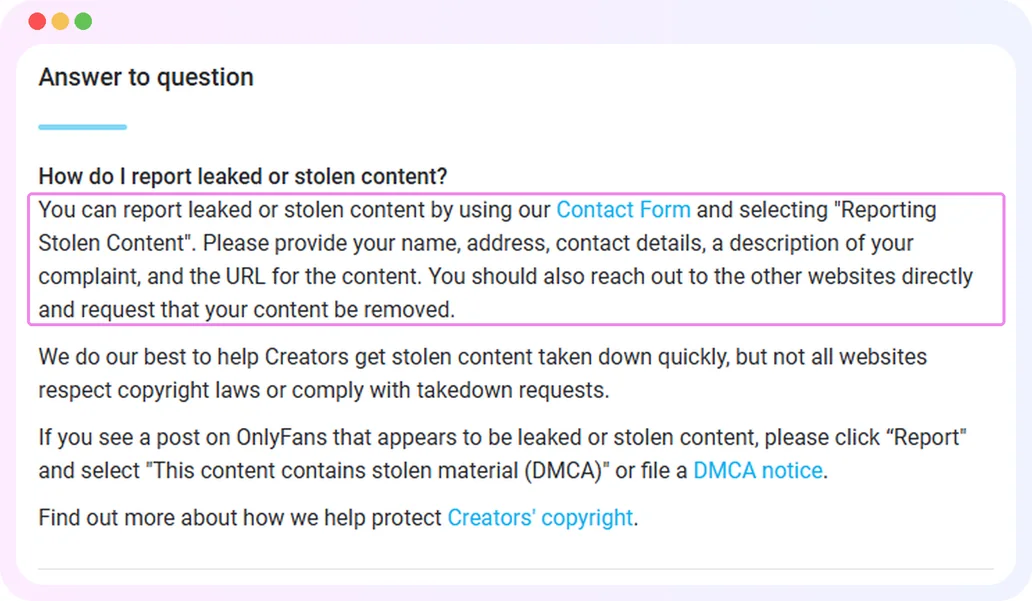
OnlyFans takes reports of stolen content through its contact form, under “Reporting Stolen Content”. It also tells creators to contact the other websites directly, and says not all of them respect copyright law.
To do it yourself, our guide on how to remove leaked OnlyFans content walks through the notices. The removal guides cover the big sites. If a site is not there, the hosting checker shows who hosts it, and delisting versus removing at the source explains where to start.
Retired and closed accounts are covered in can leaks still be taken down after you retire.
How Bruqi helps
Bruqi finds your leaks, delists them from Google and contacts the sites to get them removed. It works the same whether your OnlyFans account is open or closed, and a free scan shows where your content has been posted.
Paid plans start at $29 a month, and the DIY plan is free. Creator Pro, at $99, adds daily removals and impersonator takedowns, and Top 1% removes hourly. See OnlyFans content protection or compare plans.
A fake account that uses your photos is a separate problem. See how impersonators get removed.
Delete OnlyFans account FAQ
Are OnlyFans accounts permanently deleted?
Yes. A deleted OnlyFans account cannot be restored, and you have no access to it or its content afterwards. Your data is then handled under OnlyFans’ privacy policy.
How long does OnlyFans take to delete an account?
A fan account is deleted within what OnlyFans calls a reasonable time. A creator account is deleted when the last paid subscription has expired. Either way, an email confirms it.
Does deleting my OnlyFans account delete everything?
It deletes the account and your access to it. Some data is kept for legal reasons, content another creator posted with you stays, and copies on other sites stay until they are taken down.
How do I reactivate my OnlyFans account?
A deleted account cannot be reactivated, so you open a new one. If OnlyFans suspended your account, the only way to appeal is its Deactivation Appeal Form.
Can I delete my OnlyFans account with money in my wallet?
Yes, but wallet credits are non-refundable under OnlyFans’ terms, so unused credits are not paid back.
Can I delete my OnlyFans account without logging in?
No. Delete Account sits in your settings, so you need to log in first. If you cannot, start with the recovery steps above.
How to remove a card from OnlyFans?
Cards and the wallet are in the “Your Cards” section of your profile. If you cannot remove a card there, email support@onlyfans.com.
Not legal advice. This guide describes OnlyFans account deletion as OnlyFans’ help pages, terms and privacy policy stated it on 24 November 2026.